Show your space
Take a photo or choose one from your library. Your real yard becomes the canvas.
 iYard
AI
Get the app
DESIGN THE YARD. ESTIMATE THE COST.
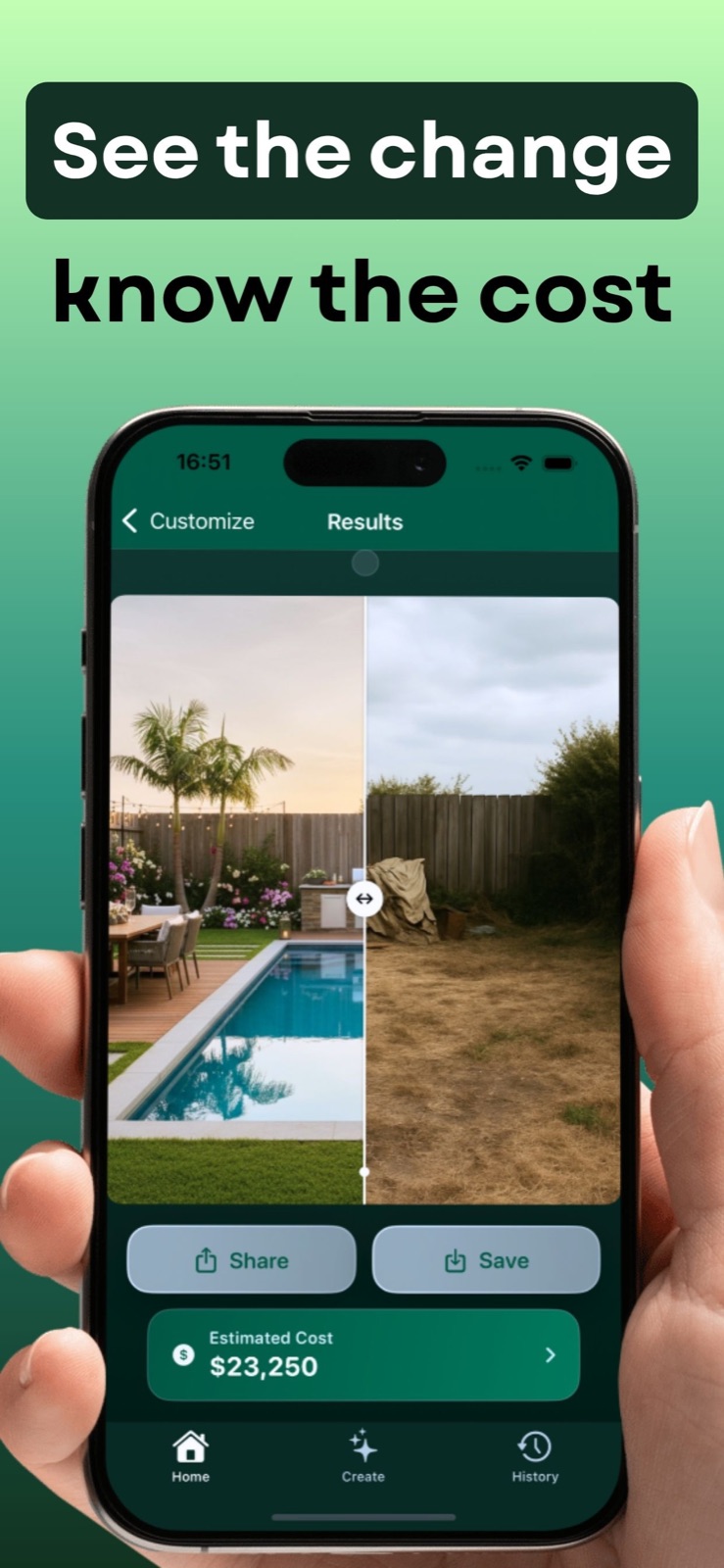
iYard turns a photo into an AI landscape concept and an itemized project cost estimate. Explore the design and the budget together—before you start building.
For iPhone & iPad · Free download. In-app purchases.
One clearer starting point for
your design and budget.
LESS GUESSWORK. MORE POSSIBILITY.
No complicated design software. Bring a photo and an idea; iYard helps you visualize a new space and understand a possible project budget.
Take a photo or choose one from your library. Your real yard becomes the canvas.
Tell iYard what kind of space is in your photo, then pick a visual direction—from modern to Japanese or zen.
Compare before and after, refine elements, and review an itemized cost estimate for planning.
CHOOSE YOUR SPACE
iYard lets you identify the space you want to redesign before choosing a landscape style. From a small balcony to a full backyard, start with the area that matches your photo—then explore a concept and its estimated cost.
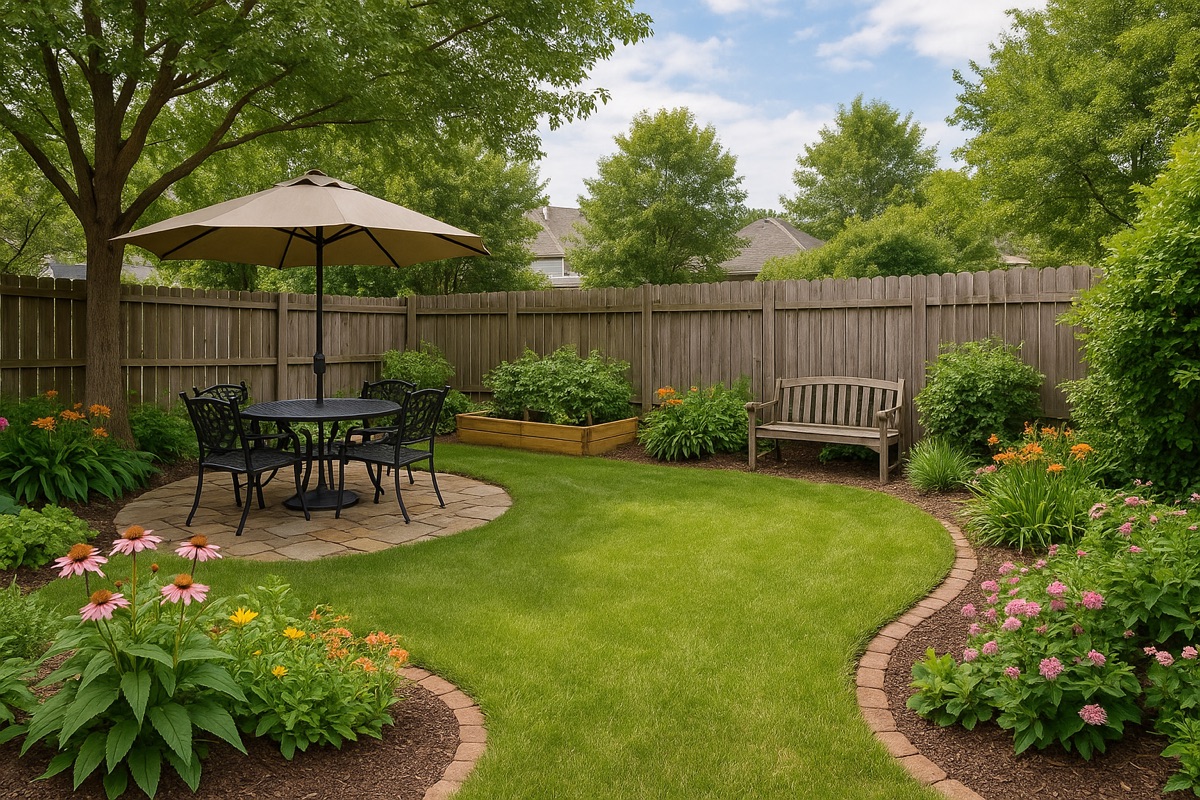
Reimagine outdoor living, planting, and gathering space.
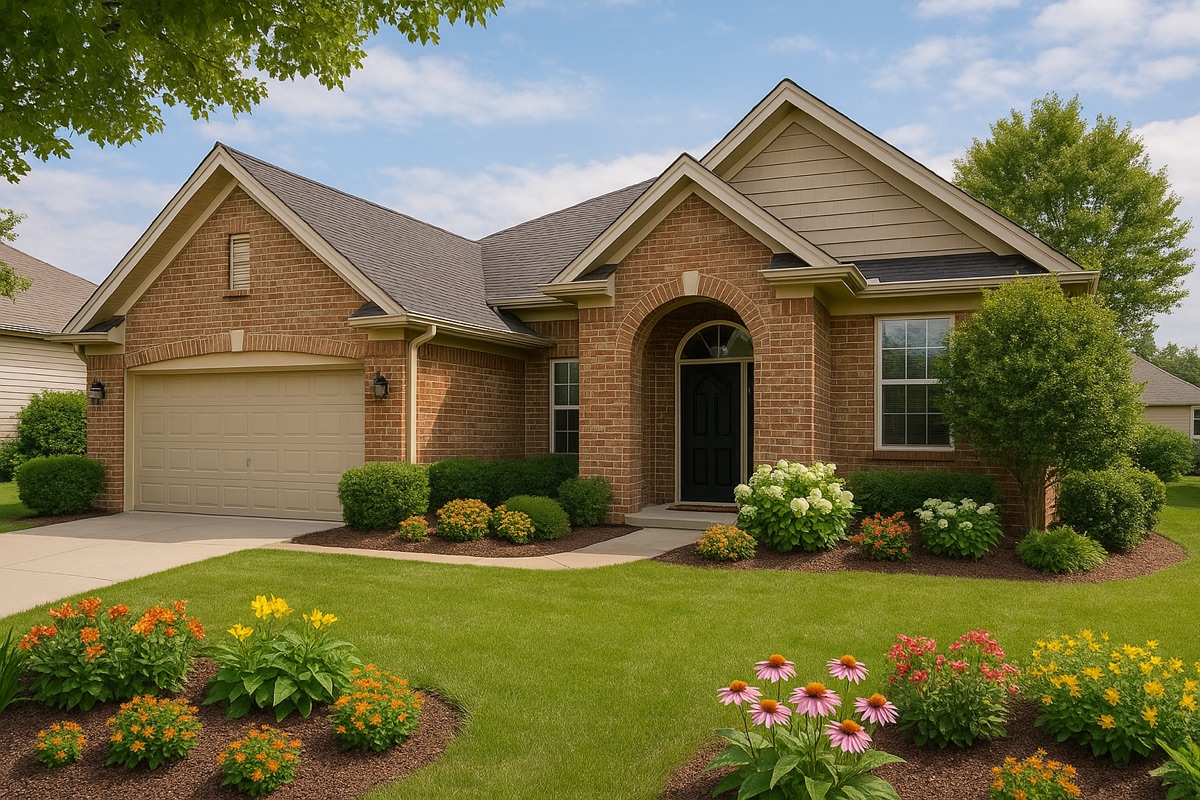
Explore a more welcoming approach to your home.
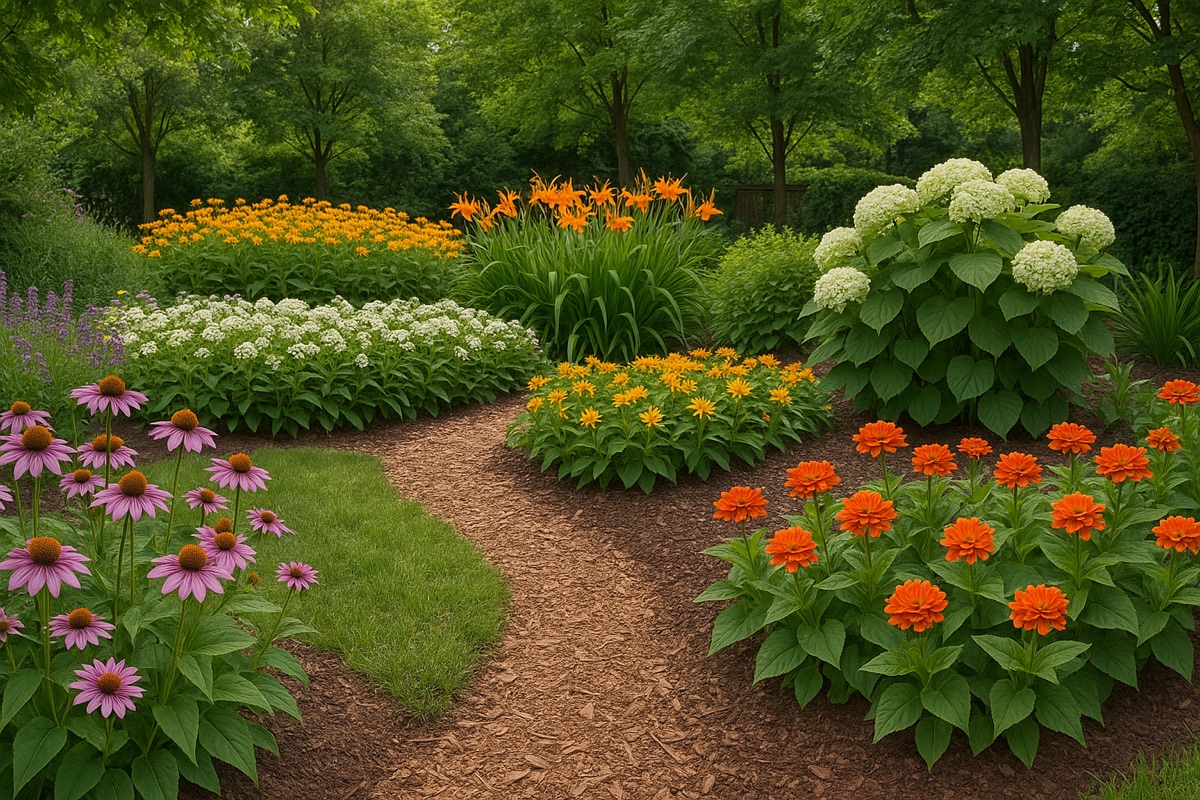
Find a new balance of plants, paths, and open space.
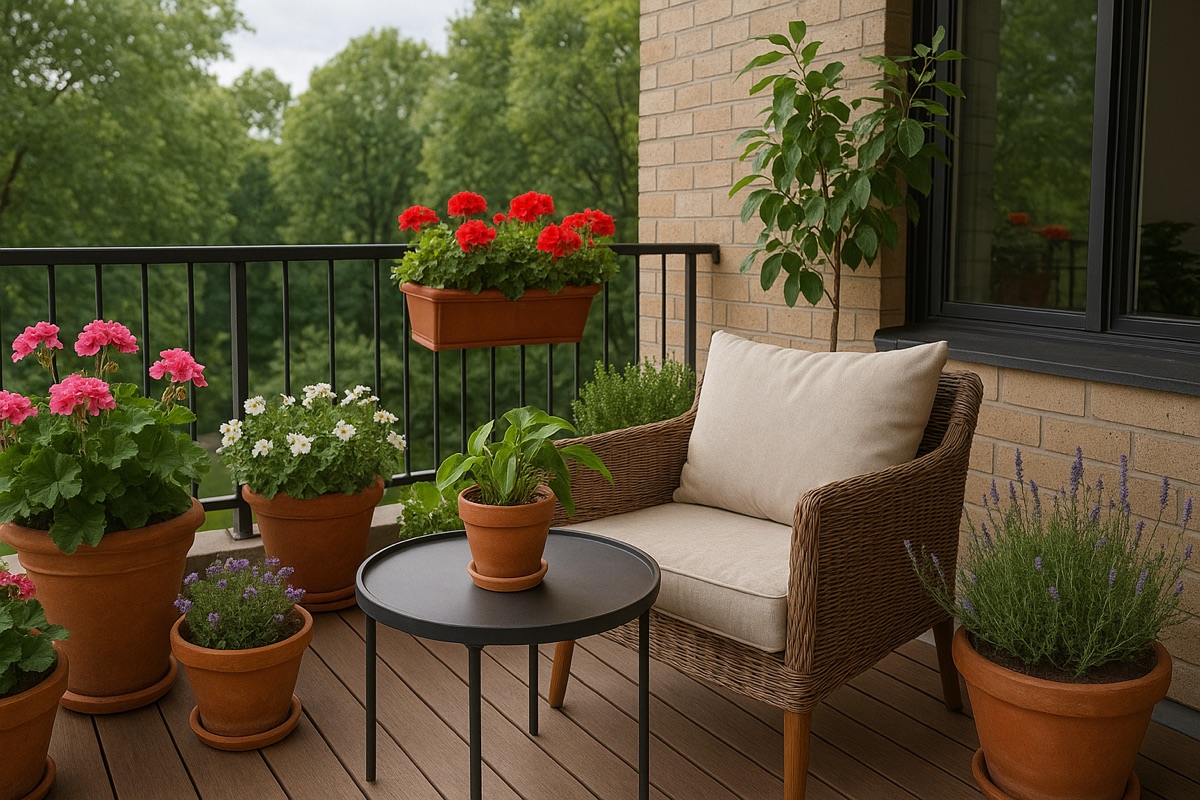
Make a smaller outdoor space feel more intentional.
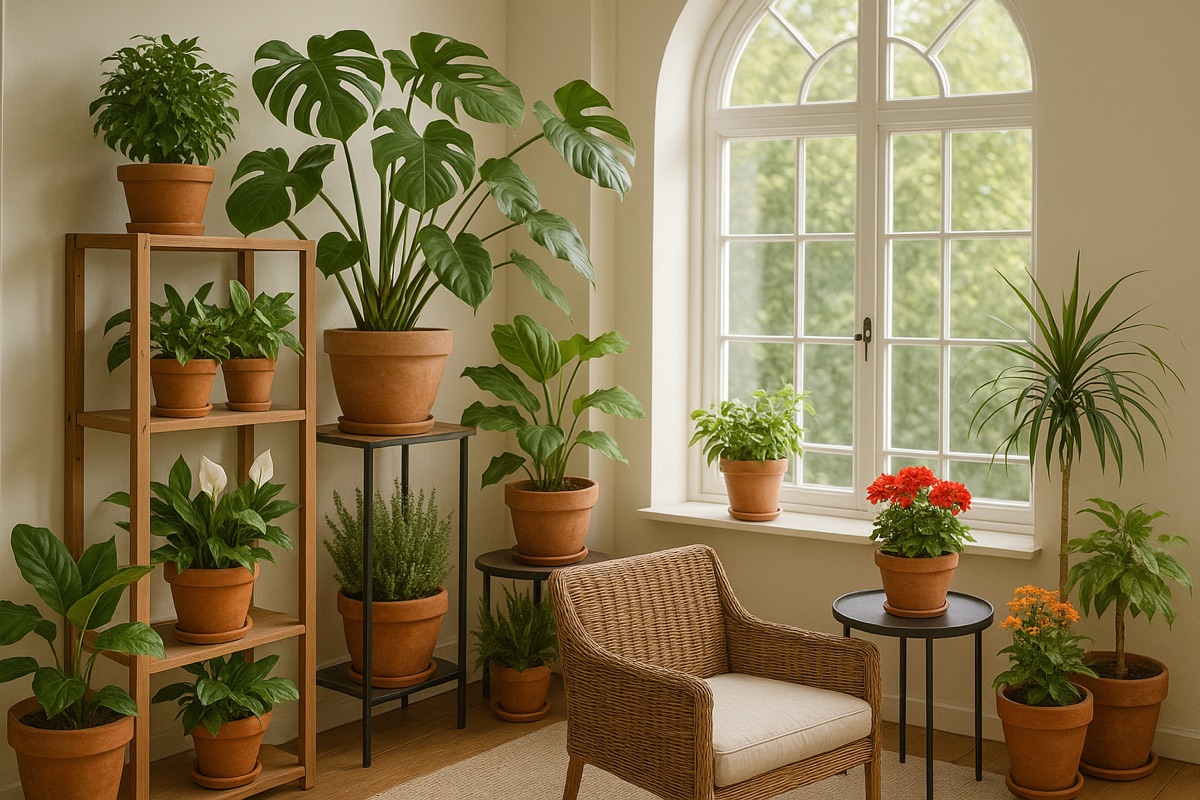
Bring a garden atmosphere inside your home.
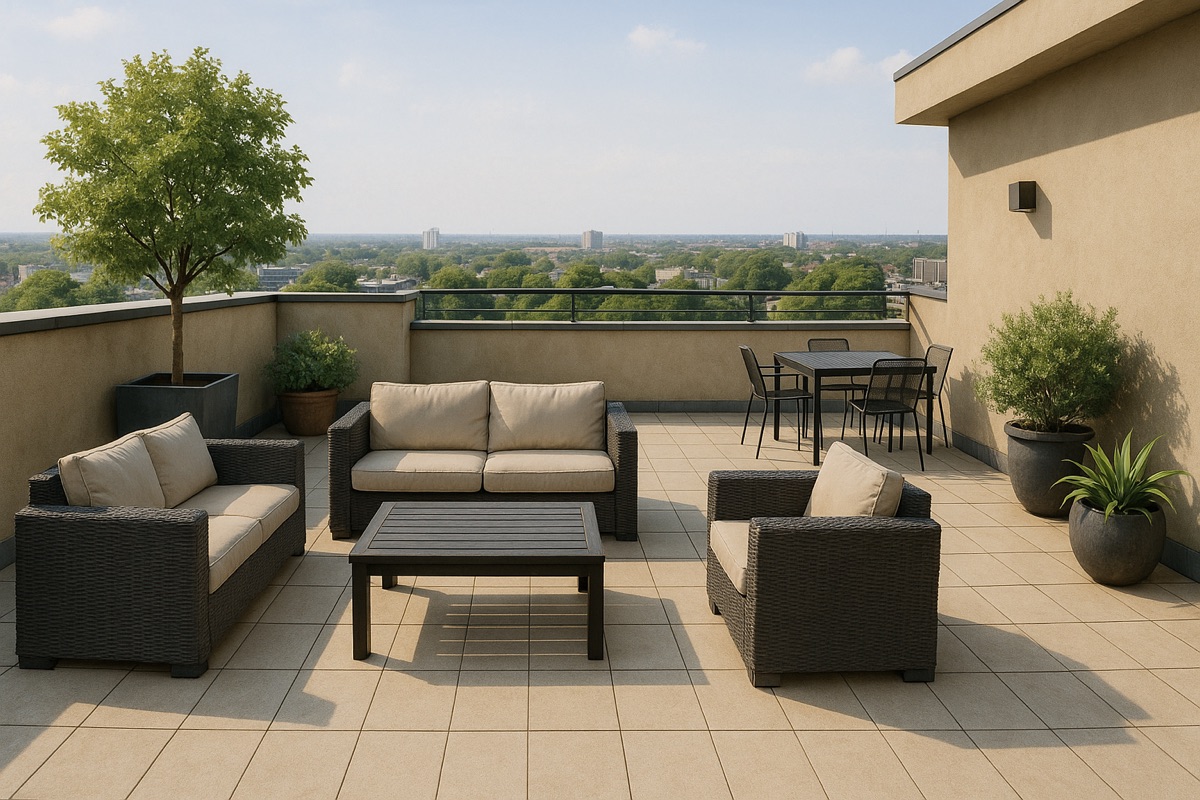
Shape an inviting open-air place to spend time.
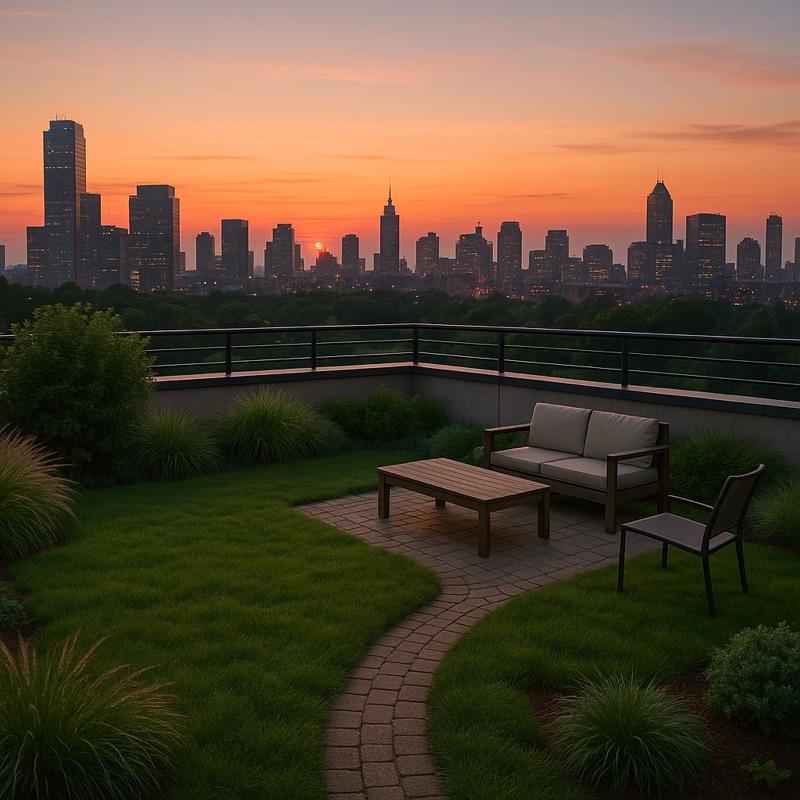
Explore design possibilities above the city.
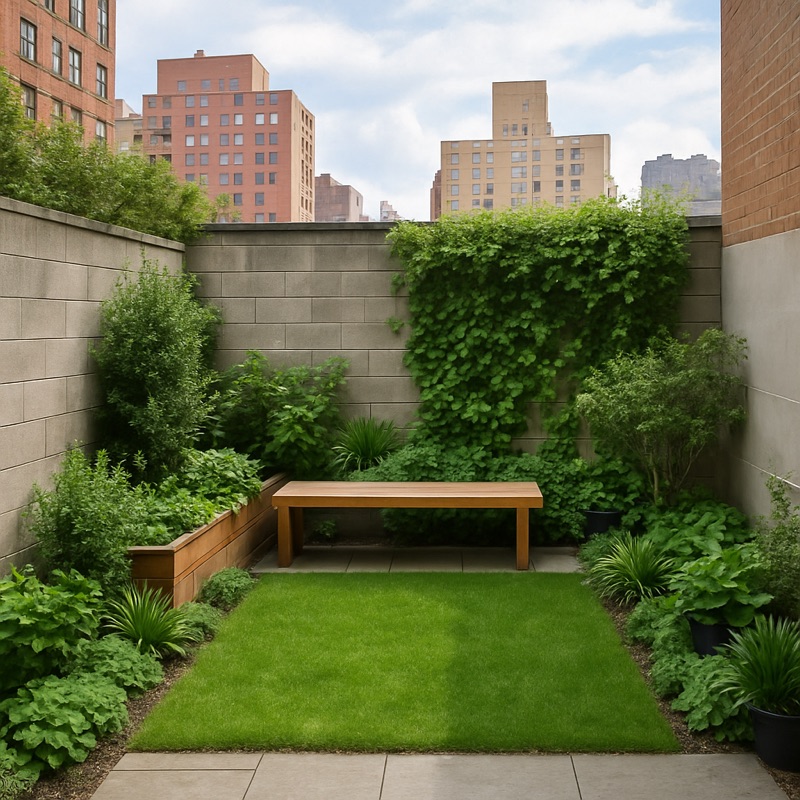
Use greenery creatively in a compact city setting.
Choose the area and style that fit your idea; the cost estimate remains an early planning guide, not a contractor quote.
PICTURE THE POSSIBILITY
Explore landscape possibilities in motion, then use your own photo to discover a new direction—and estimate what the project could cost.
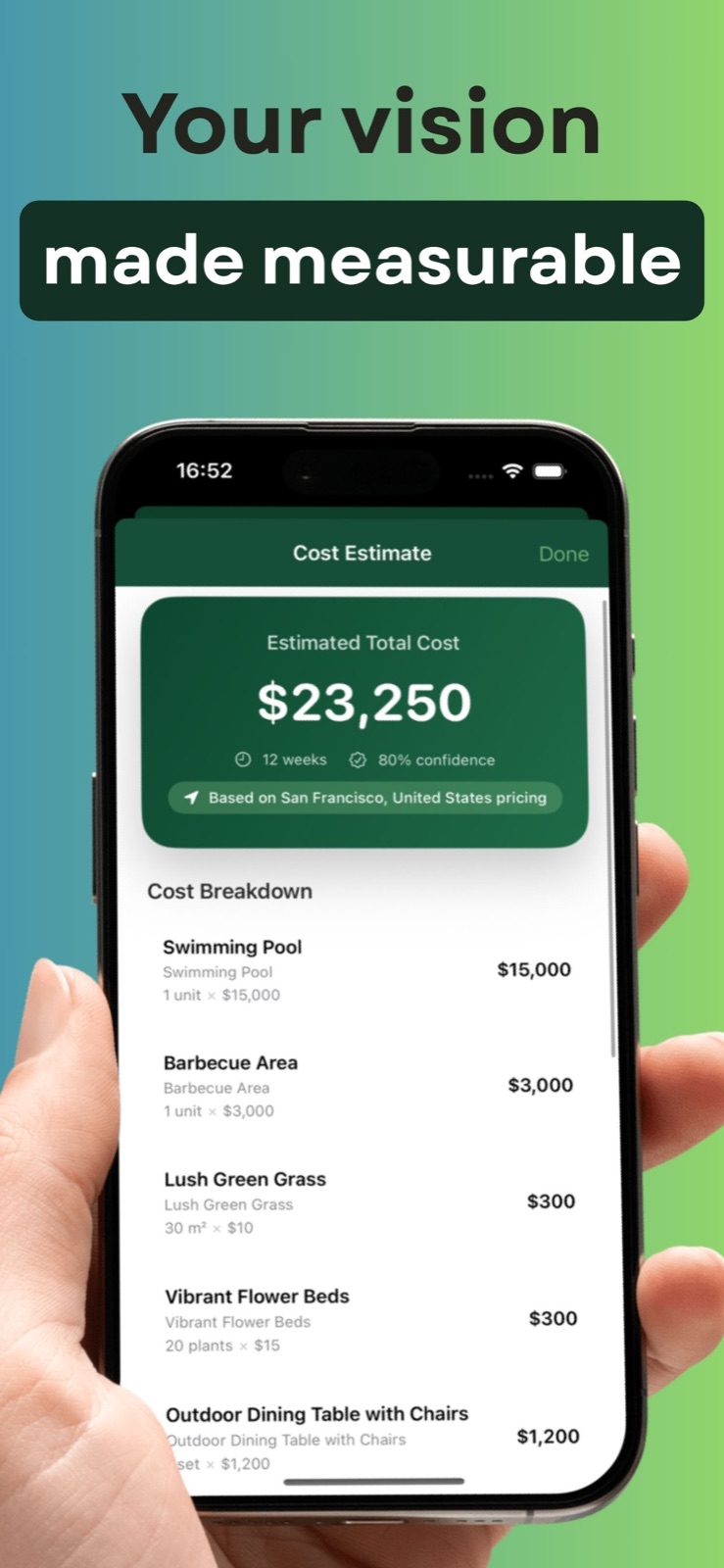
LOOK BEYOND THE IMAGE
See an AI-assisted estimate for visible landscape elements, materials, and labor—organized into a practical starting point for your next conversation.
Estimates are for early planning only and are not contractor quotes. Actual costs depend on scope, location, materials, and site conditions.
ALL 15 LANDSCAPE STYLES
Explore every style available in iYard. Compare the look, then use an estimate to think through the cost of your preferred direction.
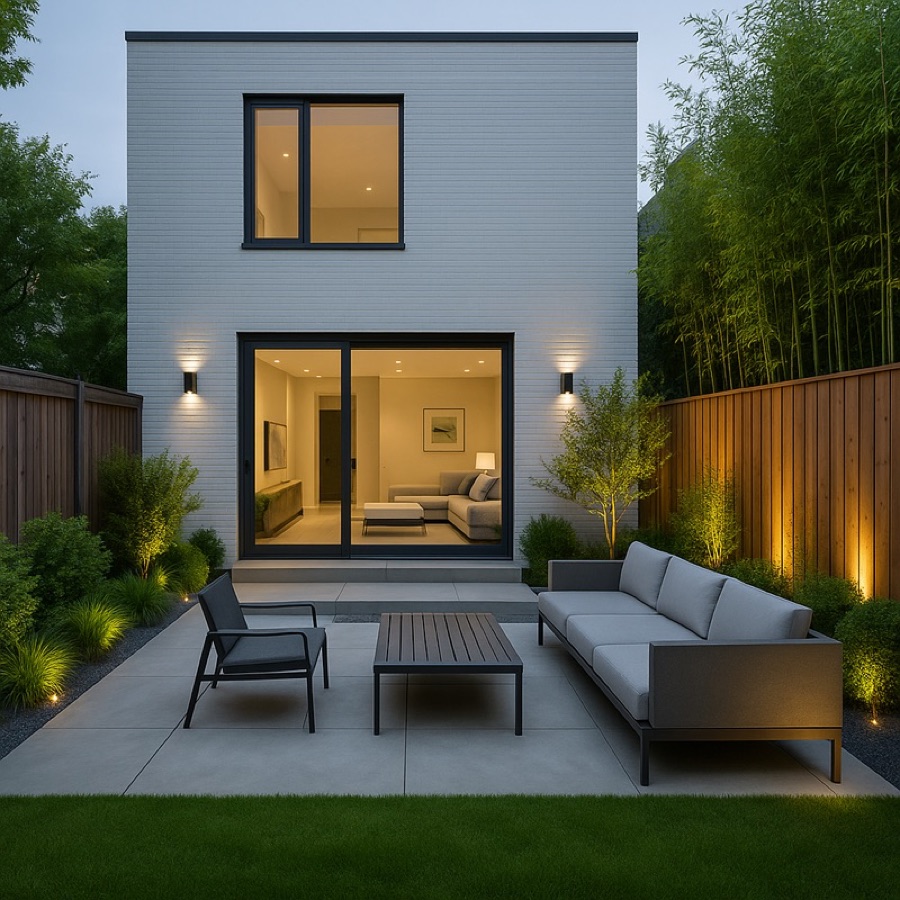
Clean geometry, restrained planting, warm details.
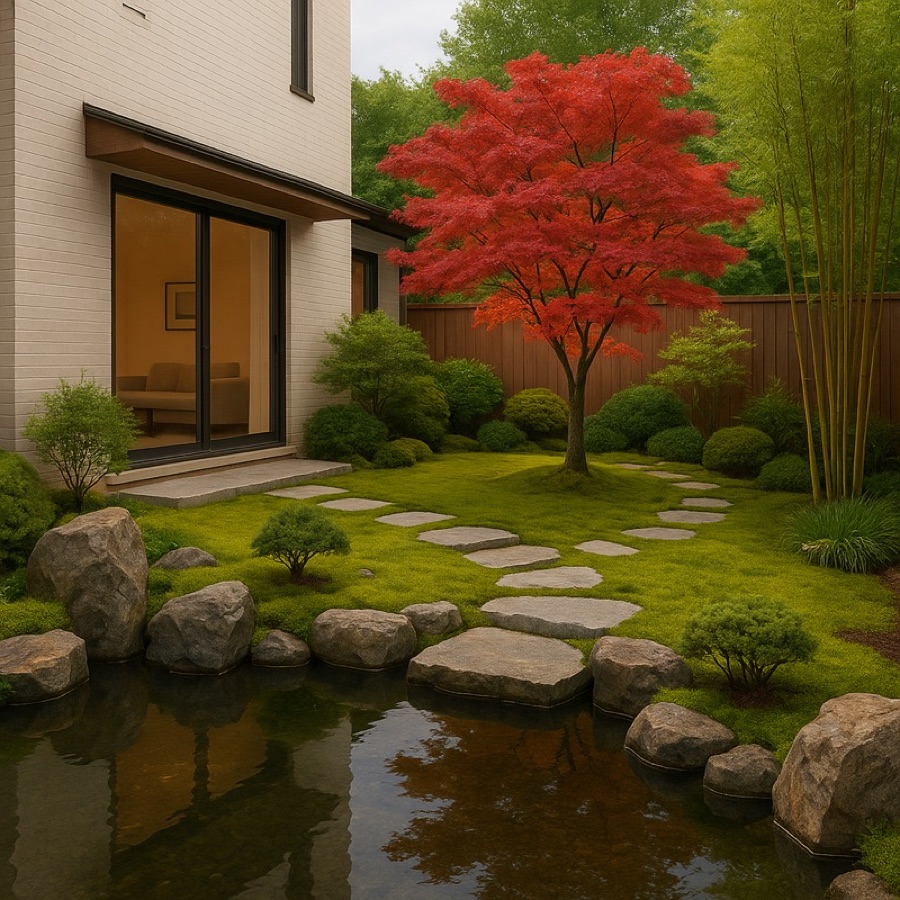
Asymmetry, natural stone, moss, quiet water.
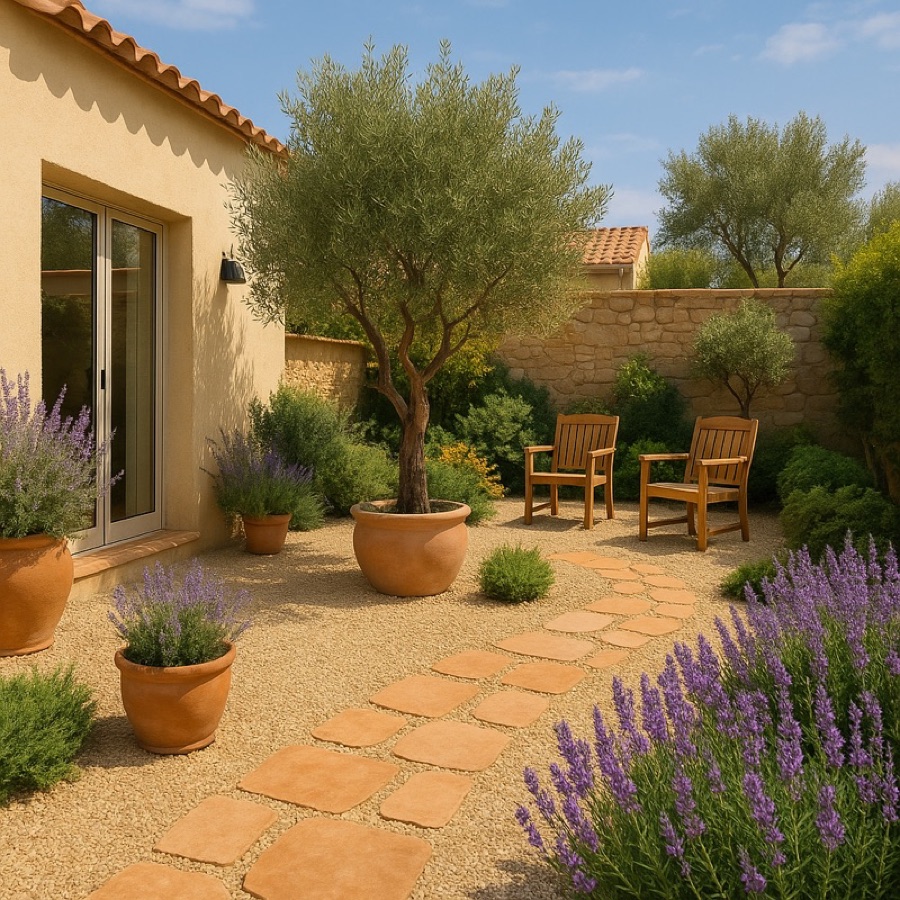
Sun-washed paving, olive trees, lavender.
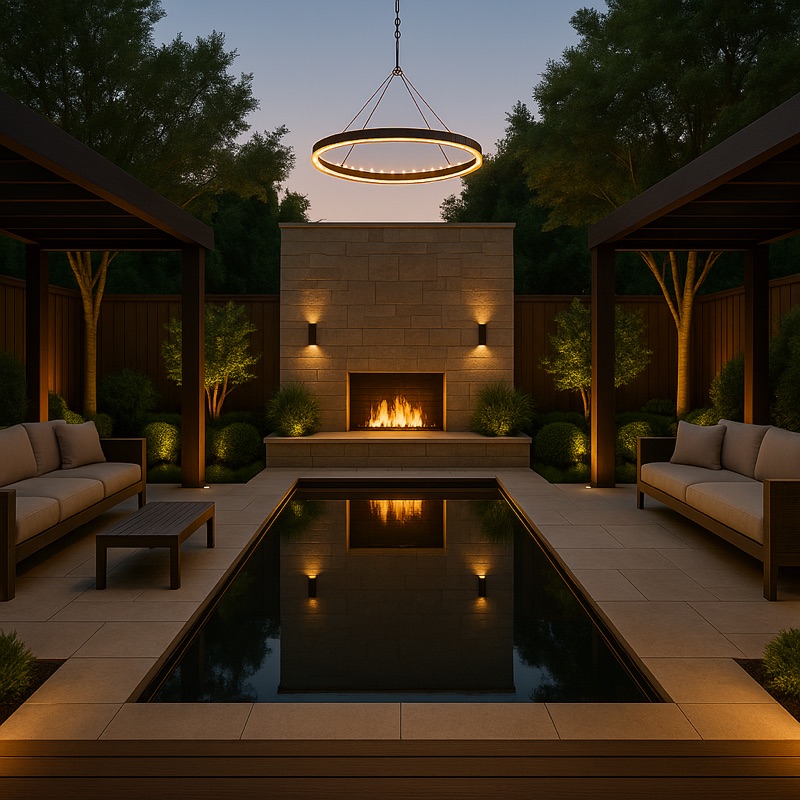
Polished materials, lounge seating, layered light.
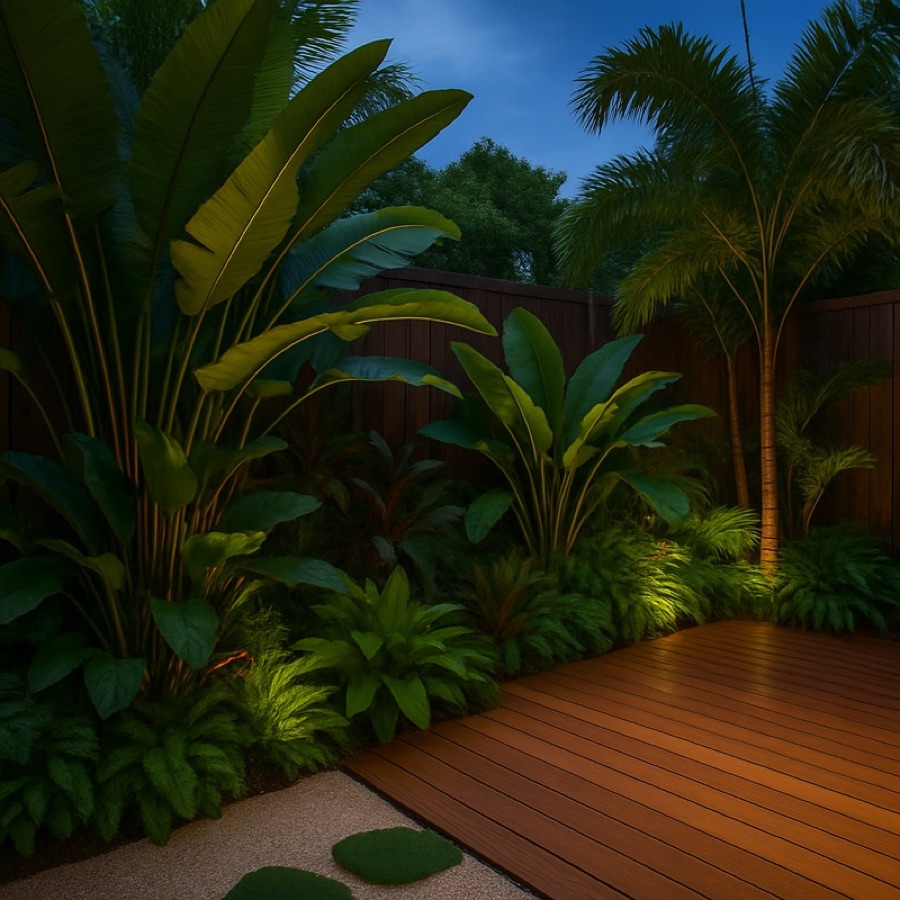
Lush foliage, bold greens, timber and stone.
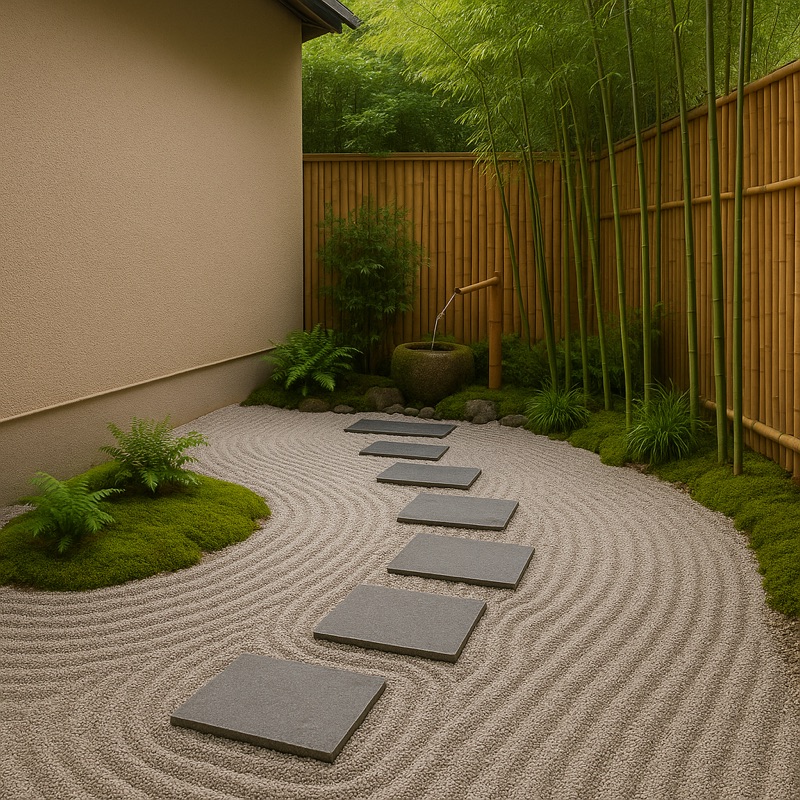
Raked gravel, stepping stones, calm composition.
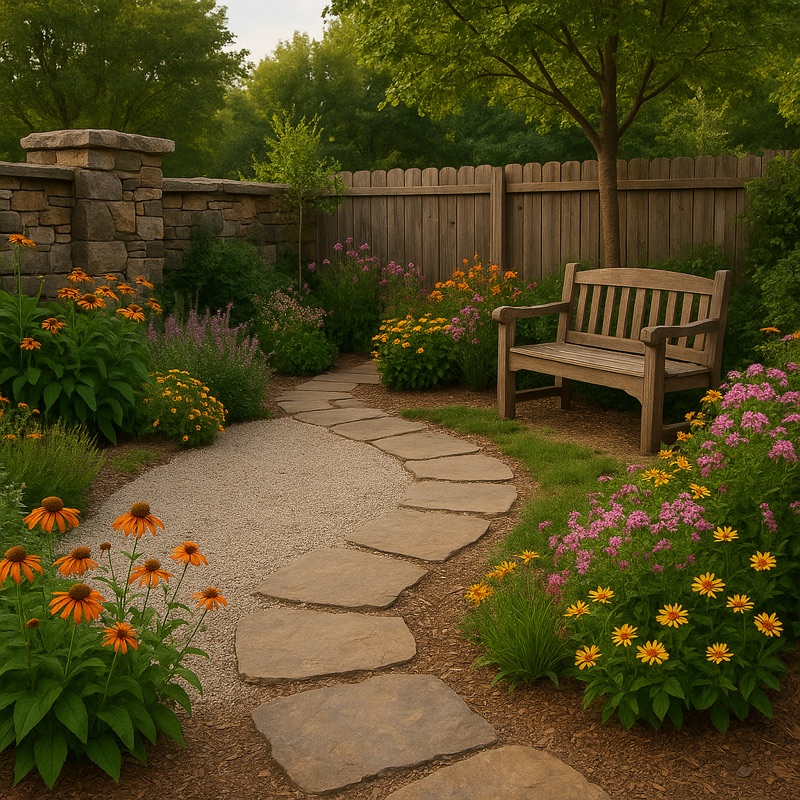
Flagstone, reclaimed timber, informal planting.
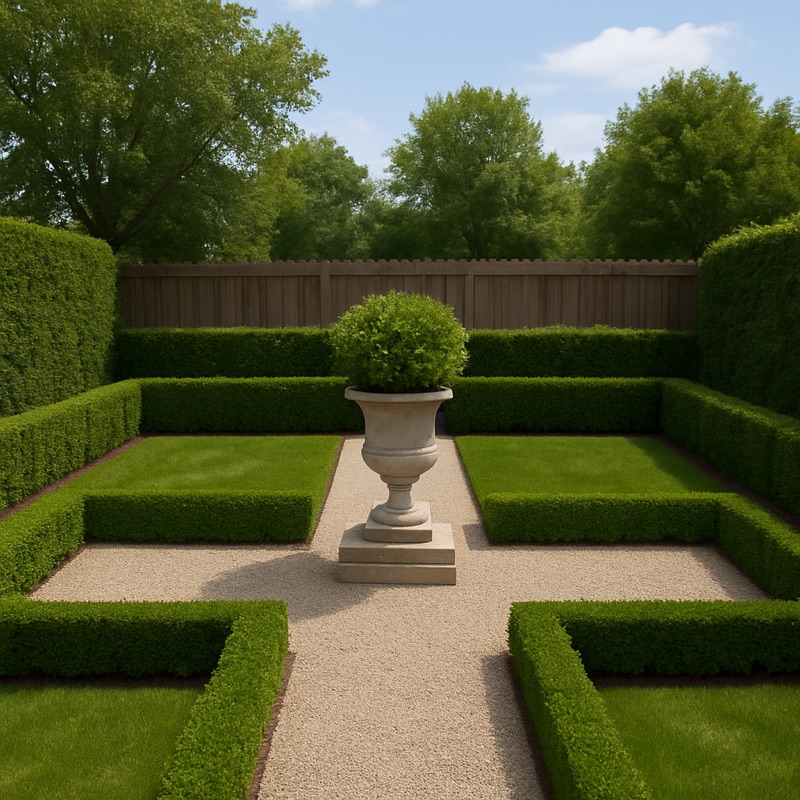
Symmetry, clipped hedges, timeless stone.
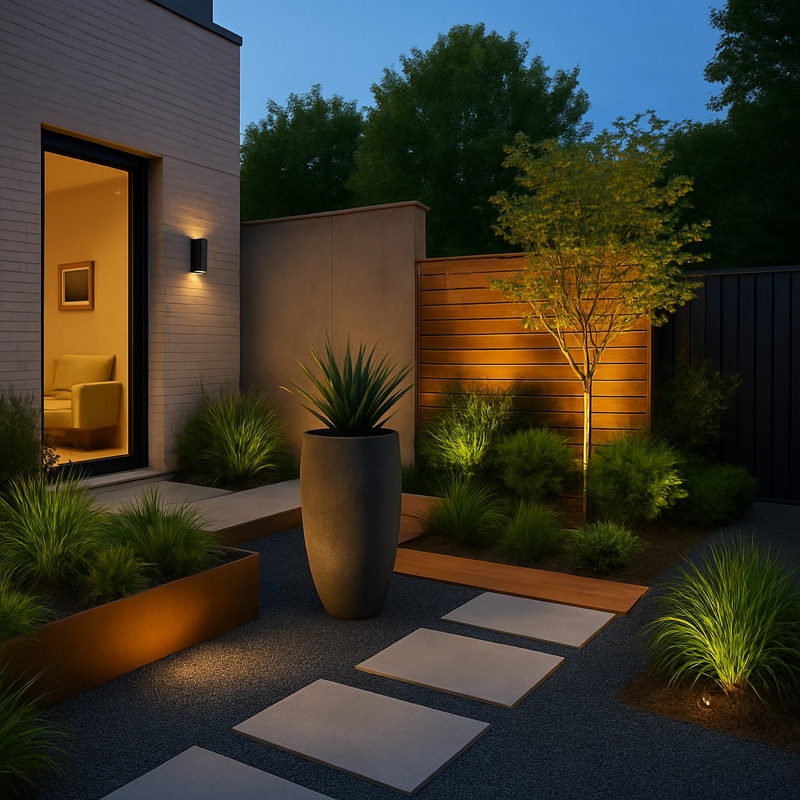
Bold forms, concrete, steel, sculptural plants.
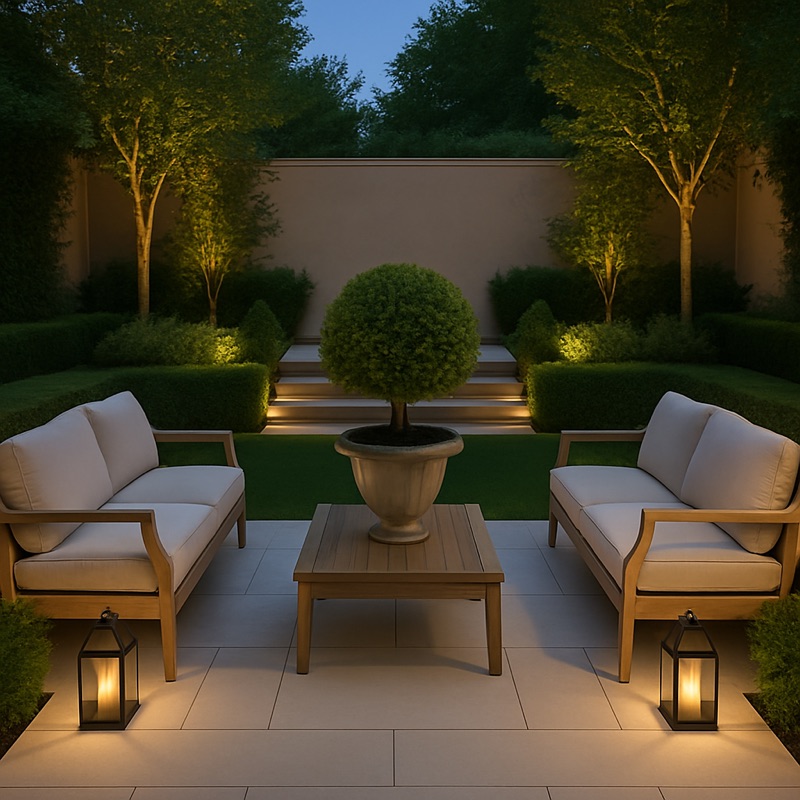
Refined paving, graceful paths, soft borders.
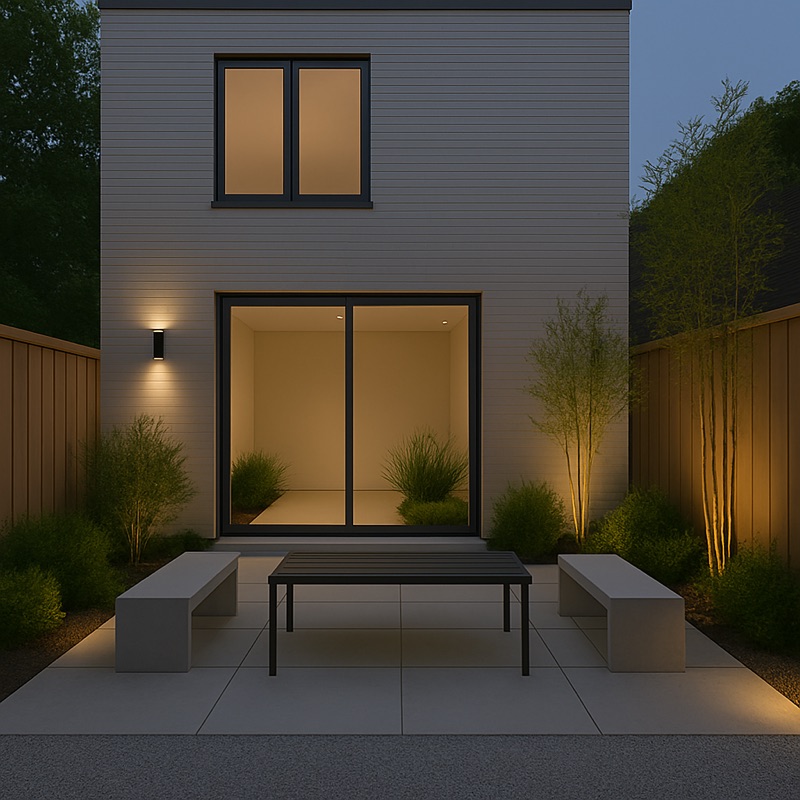
Neutral tones, negative space, simple planting.
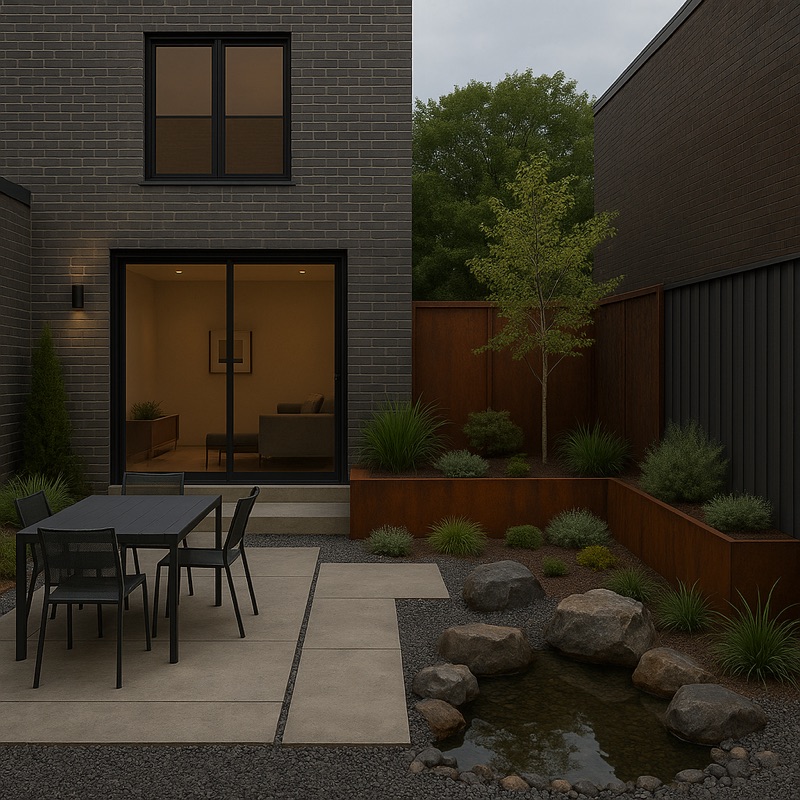
Steel, raw concrete, reclaimed wood.
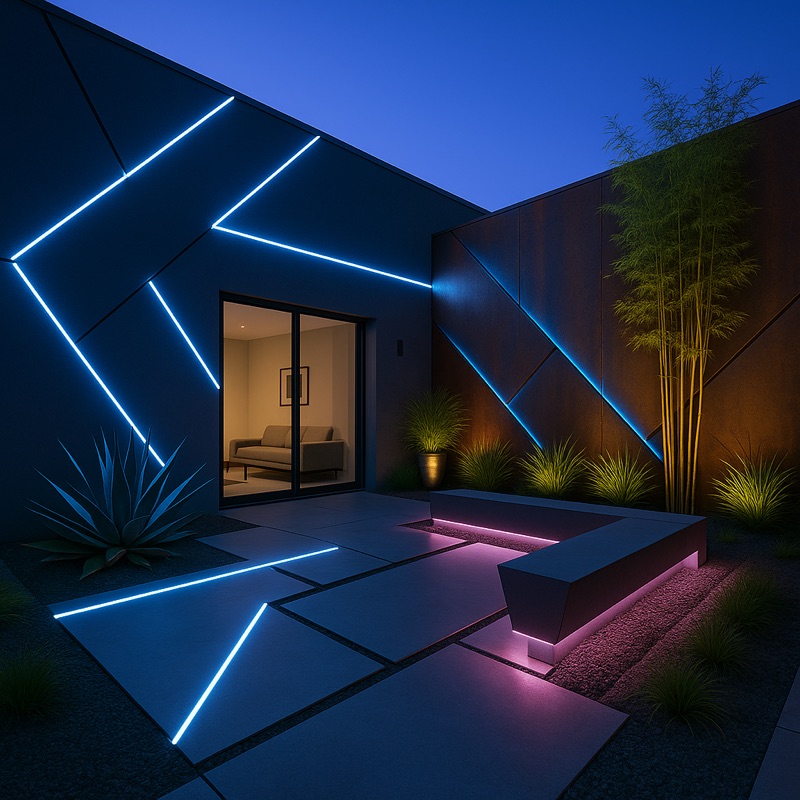
Sleek surfaces, seamless lines, integrated LEDs.
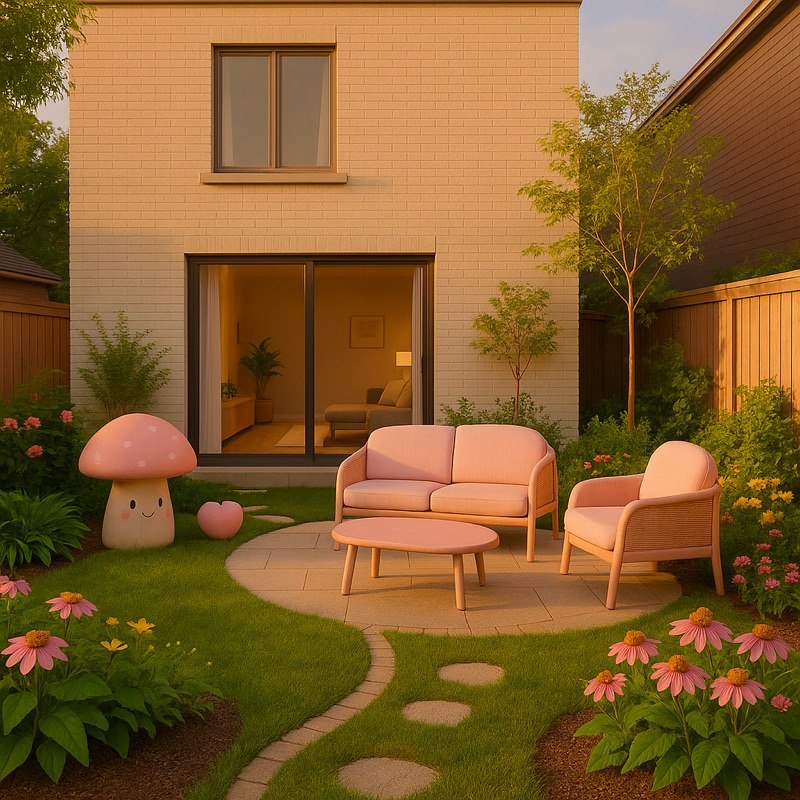
Pastel colors, rounded forms, cheerful details.
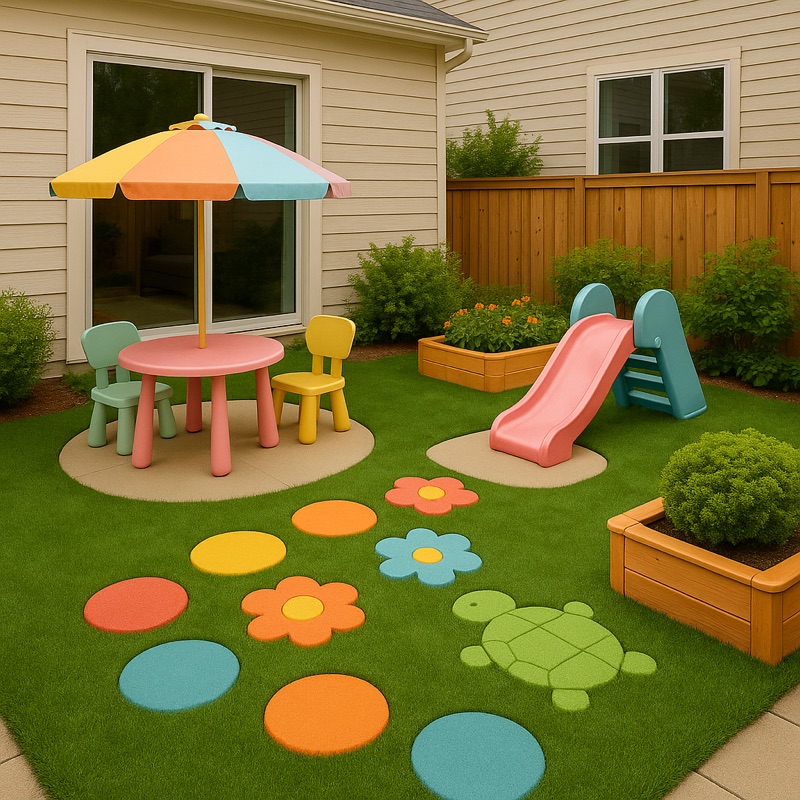
Colorful play zones and sensory planting.
DESIGN IDEAS + COST PLANNING
Practical ways to explore a landscape design, understand the cost drivers, and decide what to do next.
COST PLANNING
Turn a visual idea into a first-pass budget, then check the numbers before you build.
Read guide ↗BACKYARD IDEAS
Compare materials, phase your work, and focus your budget on changes that matter.
Read guide ↗AI DESIGN
Explore styles, refine a concept, and pair the image with an estimated cost breakdown.
Read guide ↗A FEW THINGS TO KNOW
Yes. Start with a clear photo of a backyard, front yard, garden, balcony, terrace, rooftop, or other outdoor area. iYard uses that image as the basis for an AI-generated landscape concept.
No. iYard provides an AI-assisted estimate for early planning. It cannot inspect structural conditions, local permits, hidden work, or a contractor’s actual pricing. Confirm scope and cost with qualified local professionals.
Yes. You can ask iYard to add, modify, or remove selected landscape elements while keeping the rest of the concept in place.
All 15: modern, Japanese, Mediterranean, luxury, tropical, zen, rustic, classic, contemporary, elegant, minimalist, industrial, futuristic, kawaii, and kindergarten.
iYard has eight area options: backyard, front yard, garden, balcony, indoor garden, terrace, rooftop, and urban garden. Pick the one that best matches the space in your photo before you choose a design style.
iYard is free to download for iPhone and iPad and offers in-app purchases for continued AI creation.